Custom Spring Boot Banners
Table of Contents
Spring Boot Banners⌗
In this endpoint of internet, we’ll explore how to create a custom banner in a Spring Boot application.
Overview⌗
When a Spring Boot application starts, it prints a banner, a visual representation, or text (often with ASCII graphics or branding information). The banner is a way to provide a more engaging and informative startup experience for developers and users such as the application name, version, or any other relevant data.
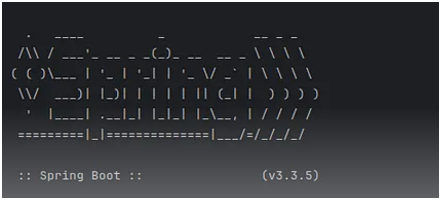
By default, Spring Boot includes a simple banner displaying the Spring logo and the version number. Here’s an example of what the default banner looks like:
How to create Custom Spring Boot Banners⌗
-
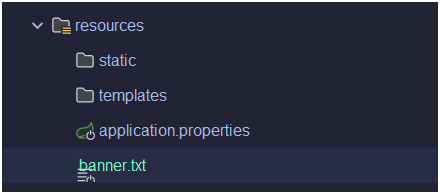
Create a banner.txt file under your resource directory.
-
Go to this website web and get the design of your preferences then
copy&pasteit in banner.txt.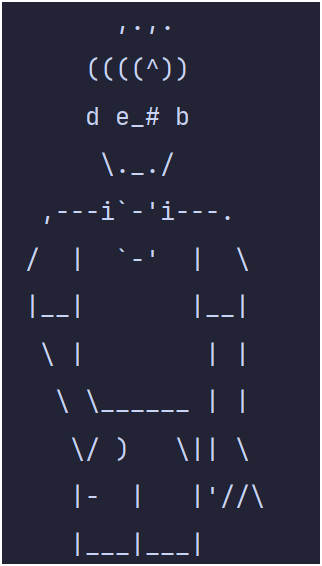
-
You can also add some more information like.
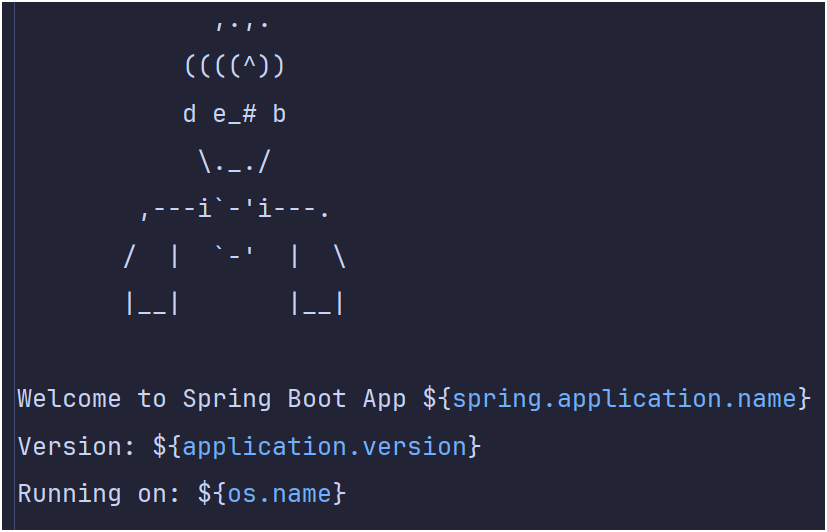
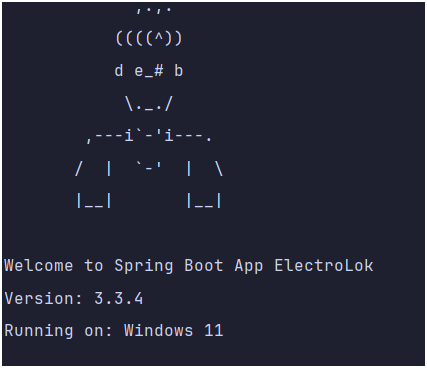
Welcome to Spring Boot App ${spring.application.name}
Version: ${application.version}
Running on: ${os.name}
-
To make these properties work you have to define them in your
application.propertiesfile.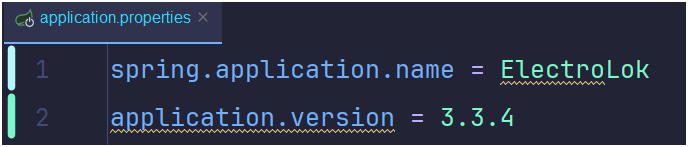
-
The Output will look like this: